The **Settings** page allows you to manage your account preferences and customize how the platform works for you.
Here, you can update your notification preferences, manage your profile information, and adjust other account-related settings to match your needs. On the **Settings** page, you can manage your preferences for **Personal Information**, **Notifications**, and **Security**. You can edit your settings by clicking the **Edit** icon. [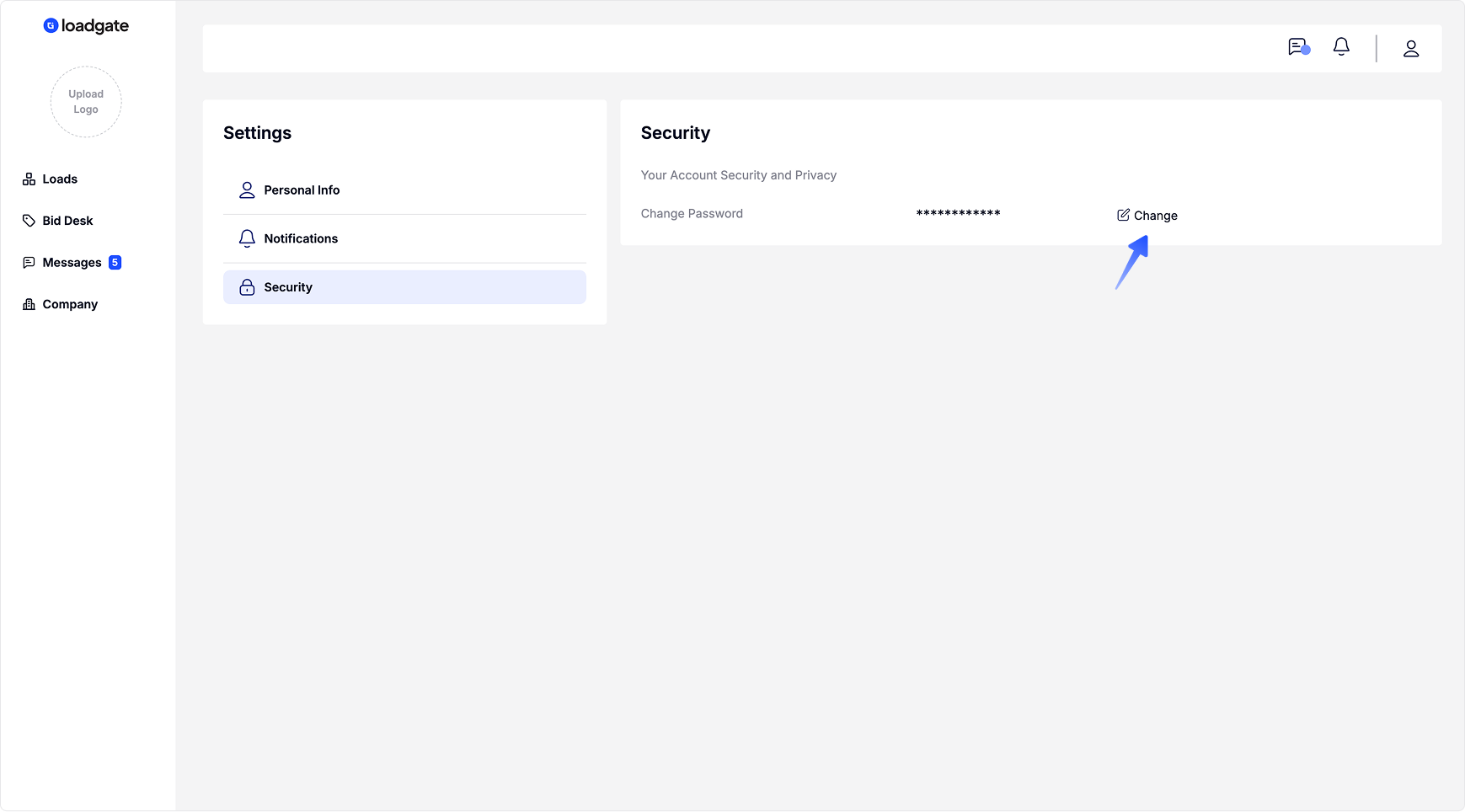](https://docs.loadgate.eu/uploads/images/gallery/2026-02/settings.png)