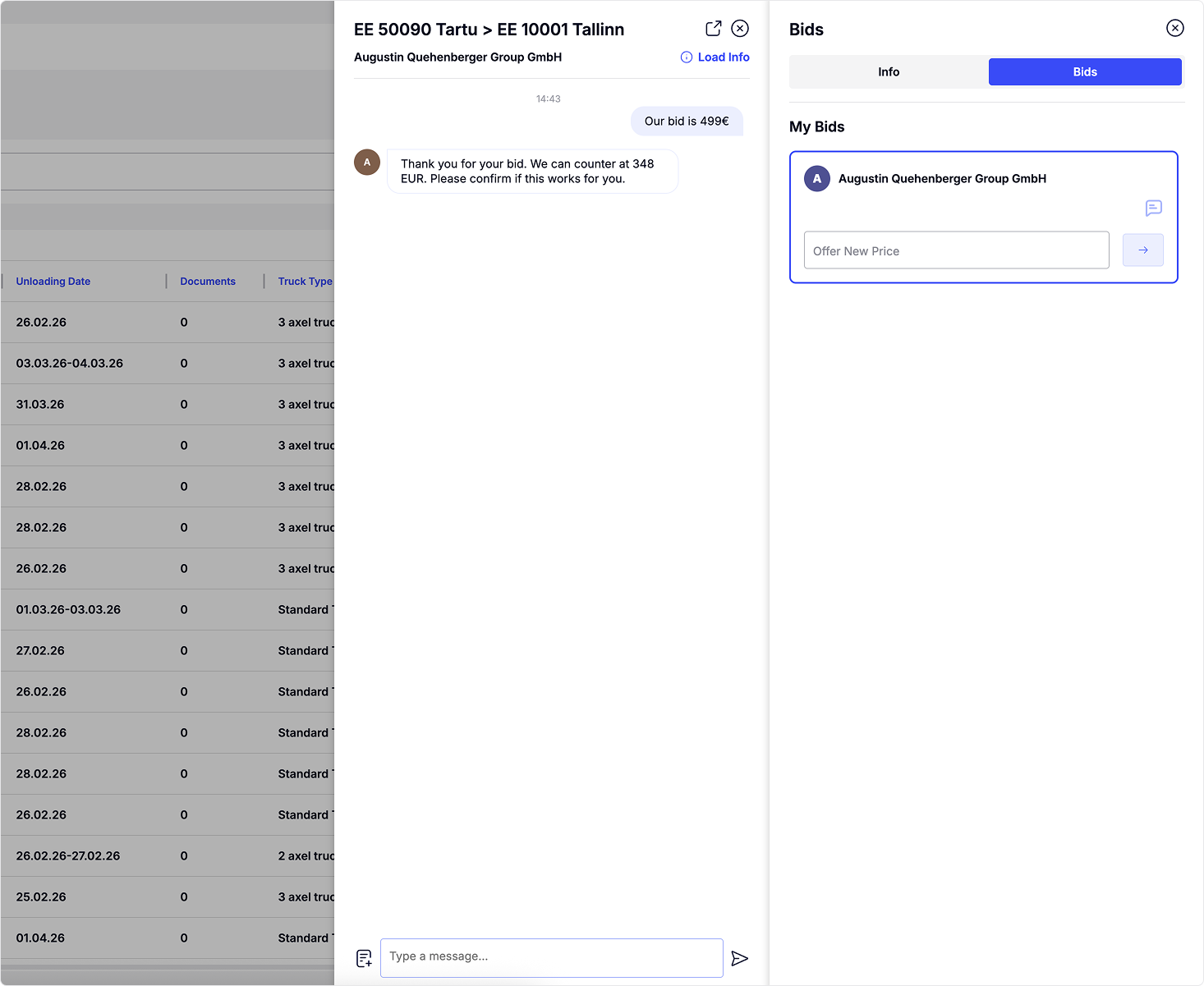
Bids
Bidding is a key part of LoadGate. When a forwarder sends you a load, you can simply review it and submit your bid.
- With the Load Info panel open, click the Bids tab at the top.
- The panel will switch from Info to Bids.
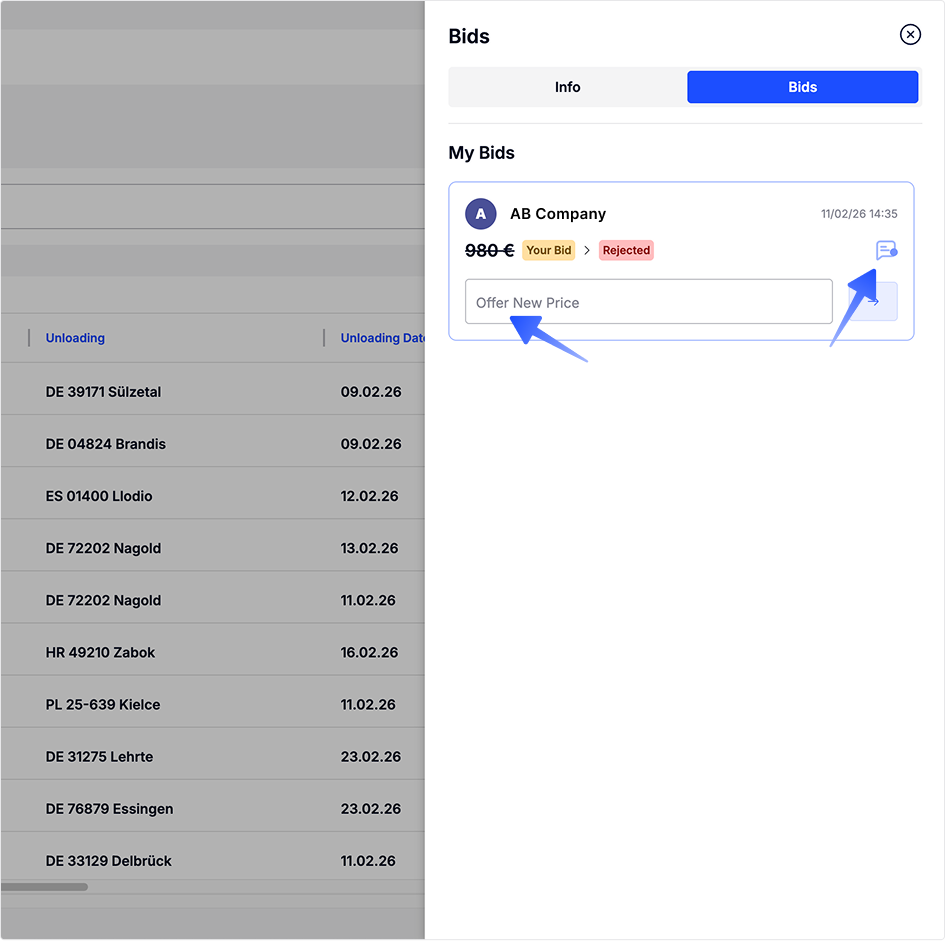
Submit your bid through the bid card. Bid cards show different information about bids, including the amount, who currently holds the bid, the bid status, the date, and access to chat.
The bid card will also inform you if your bid was:
- rejected and the haulier is expecting a new bid.
- accepted and your offer was selected
- declined, which means another bid was selected and bidding on this load is no longer possible.
If you have any questions about the load, use the chatChat button on the bid card to contact the haulier.
Tip: You can also send your bid through chat