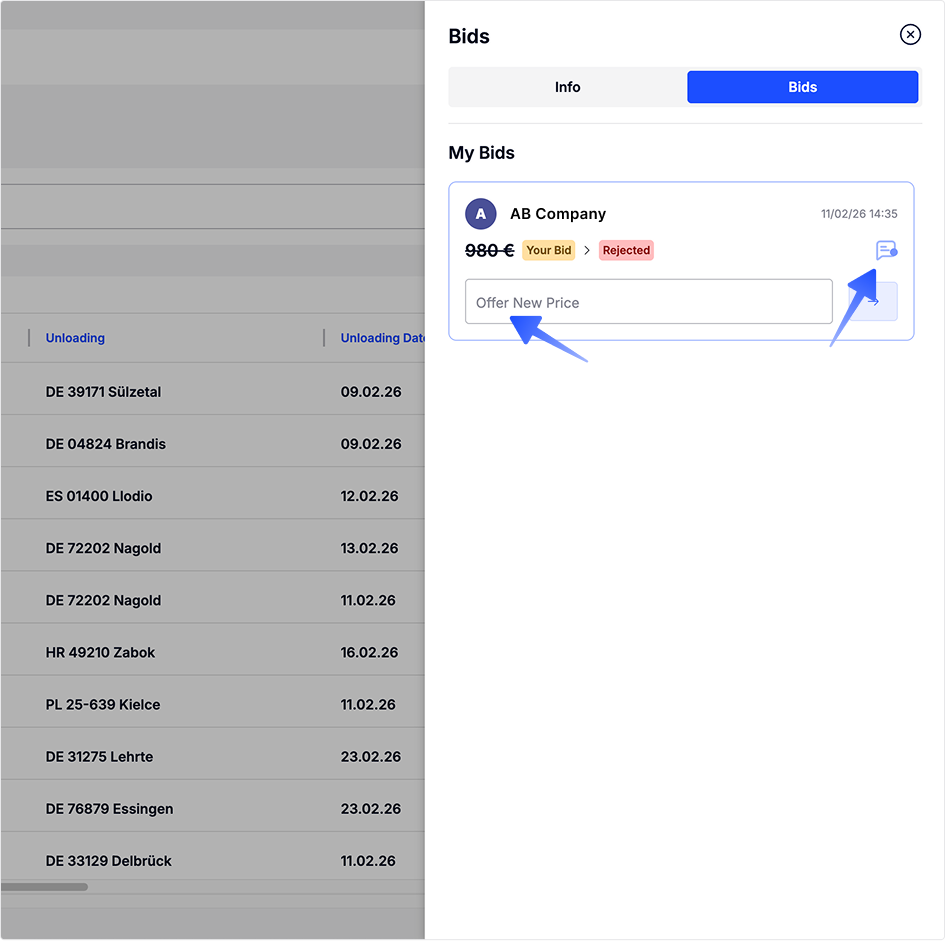
Bids
- Click on any load in the list.
- A Load Info panel will open on the right-hand side of the screen.
- By default, the Info tab is selected
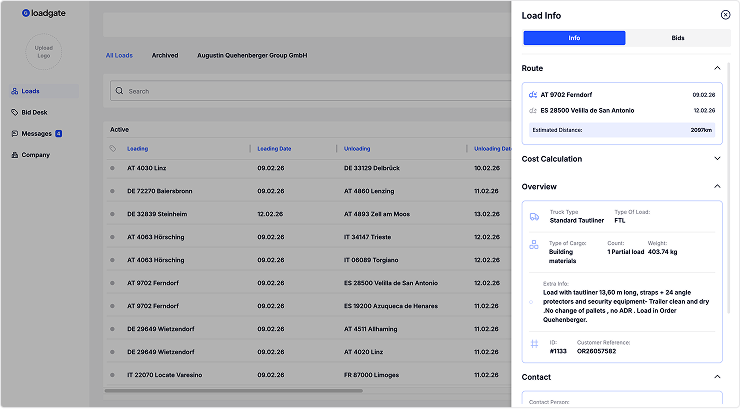
View Load Information and Access Bids
- With the Load Info panel open, click the Bids tab at the top.
- The panel will switch from Info to Bids.